
U disk archive NS SX OS archive
Basic usage
1: Unzip the SD file to the microSD card of the Nintendo Switch.
For files larger than 3.7GB, it is recommended to use exFAT, which includes a large number of games.
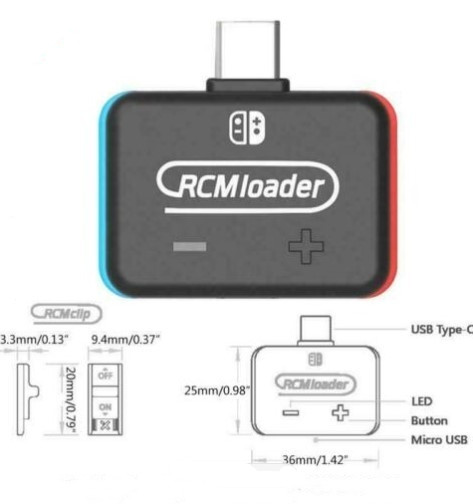
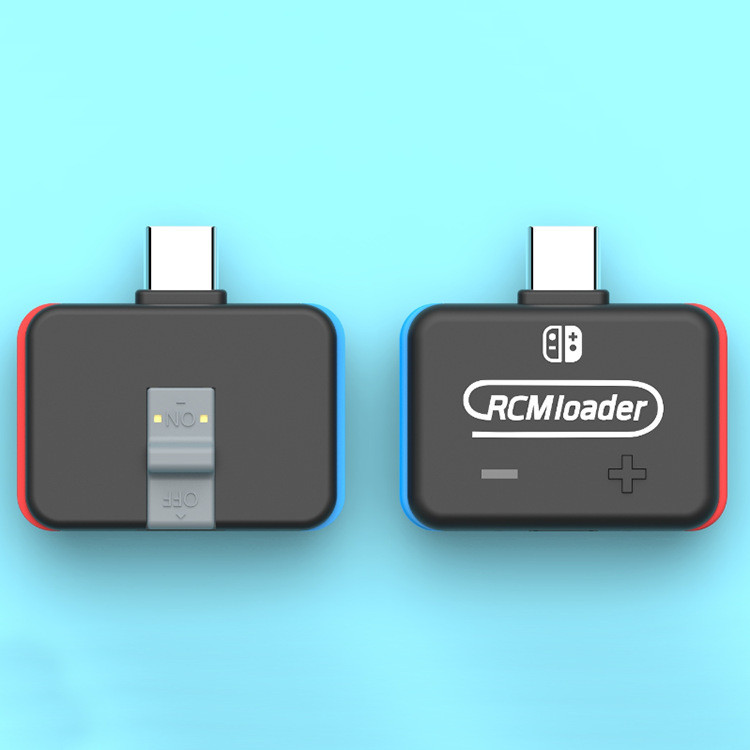
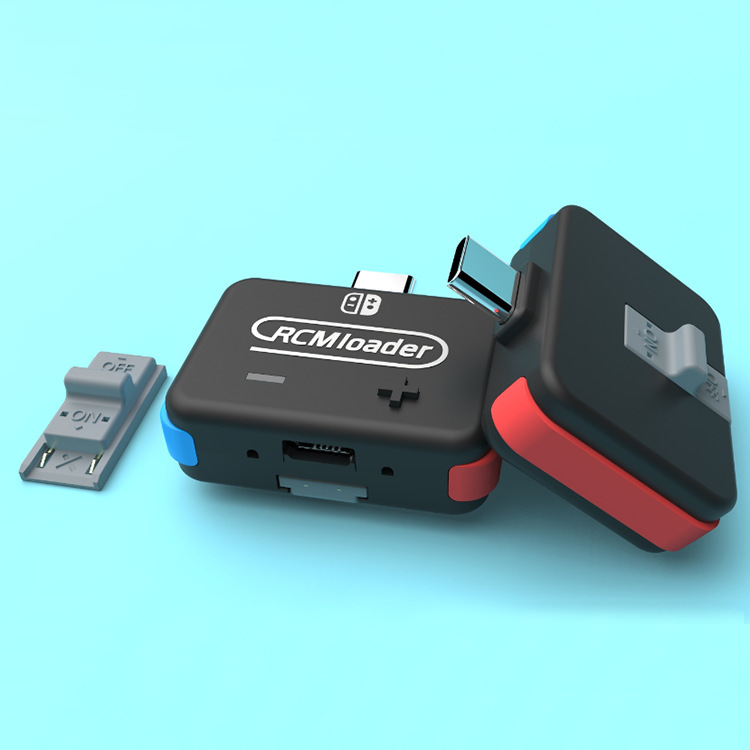
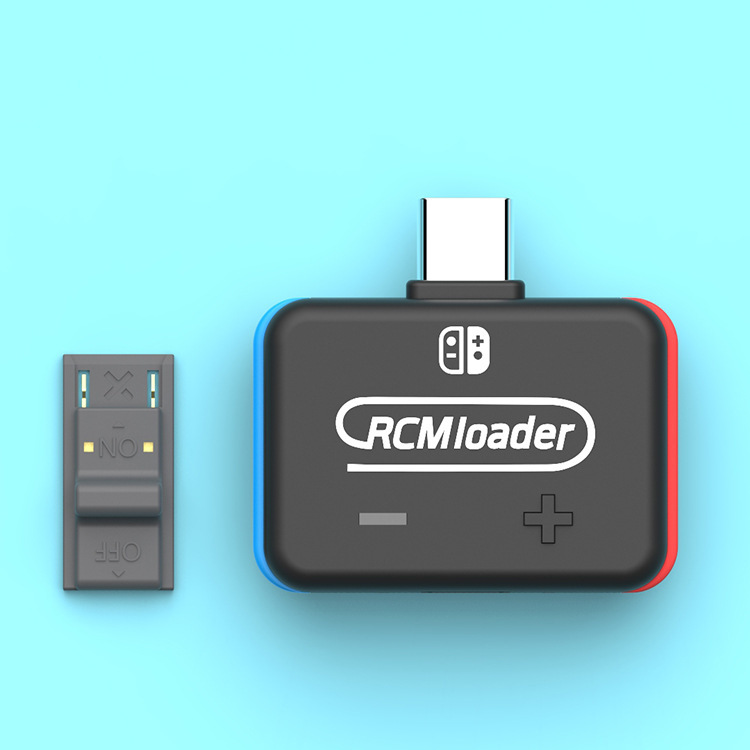
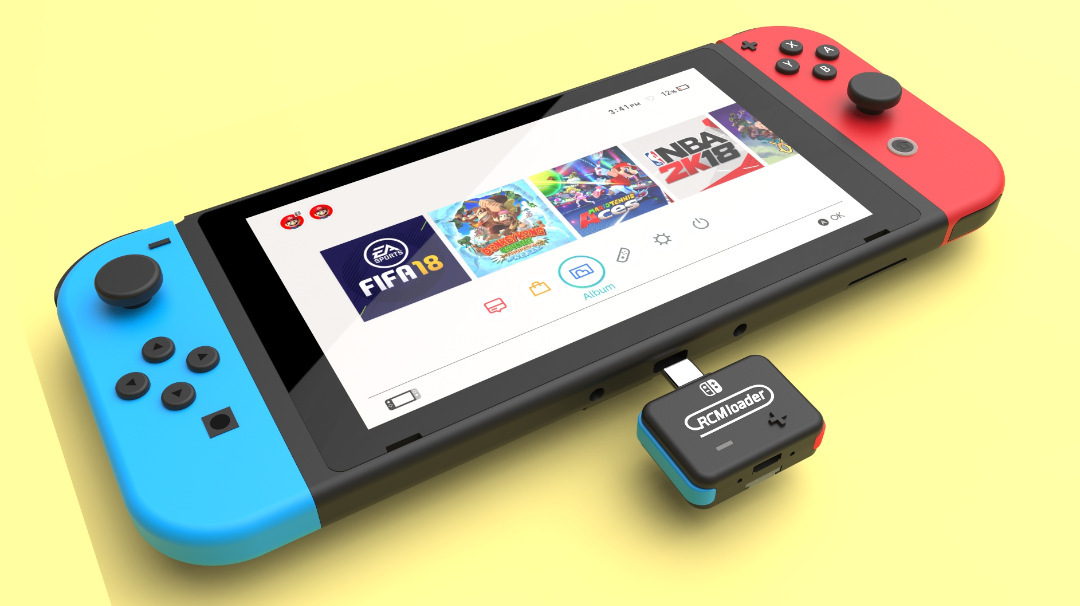
2: Insert the RCMloader and RCMclip into the Nintendo Switch.
RCMloader enters the charger port, the RCMclip in the right joycon track.
3: Press and hold the volume up and press the power button, CFW should start.
After the CFW is started, you can delete the RCMloader and RCMclip.
4: Enjoy the latest games and homemade games!
A more comprehensive guide can be found here.
RCMloader for ns switch console sx pro adaptor break for Atmosphere ReiNX SXOS
Shopping information
Product details & availability
Review the listed price, specifications and description. Choose an available variant before adding the item to your cart.
Shipping information
Shipping options and charges are confirmed during checkout when available for the selected item and destination.
Shipping policyReturns
Review the store refund policy before purchasing. Product-specific limitations remain as stated on the product listing.
Refund policyQuestions?
Contact Hot Spot Liquidators for help with a product or order.
contact@hotspotliquidators.com 1-844-946-8776